Copy Protection Solutions
Copy Protection Solutions and License Control for Software, Video, and Digital Content. Securely distribute your content any way you want. Protect your valuable content from illegal sharing. Sell Software, Video, Downloads, PDF, Epub, Audio and other digital content. Apps Players for Windows, macOS, Android, IOS (iPhone,iPad), Amazon, Chrome OS, Roku Smart TV, Android Smart TV, Amazon Fire Smart TV, Apple Smart TV.
Copy Protection System
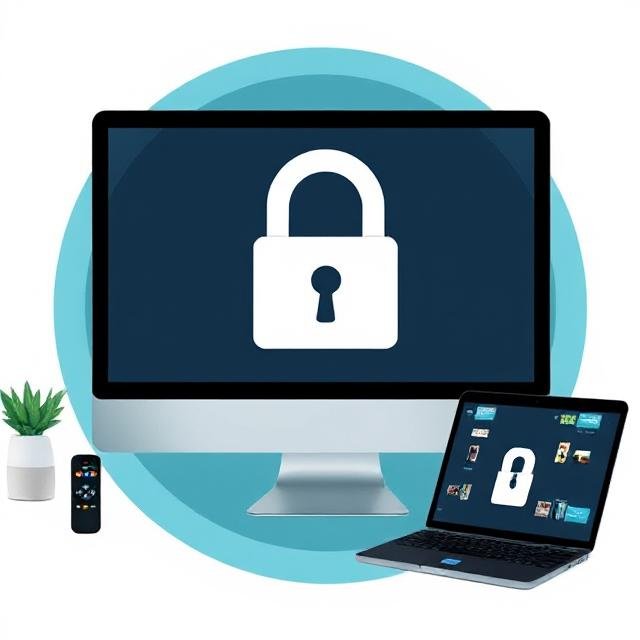
Anti-piracy solutions securely distribute your content.
Copy Protection Solutions & Securely Distribute Your Software, Video, and Digital Content Across All Platforms.
Protected with DRM to prevent illegal sharing.
Copy Protected with Powerful DRM copy protection system to Prevent Unauthorized Access and Illegal Sharing.
Access content on every device
Access to content via native apps (Windows, Mac), Android (Phone/Tablet), iOS(iPad/iPhone), Kindle, SmartTV and more.
Copy protection software
Copy protection software for video and audio (streaming and downloads), documents (PDF, EPUB) and HTML content.
Copy Protection Solutions License for Software Video Content Anticopy
Copy Protection Solutions Apps for iOS Android Windows Mac TV and more
Copy Protect Content, Video and Software for USB, CD/DVD and download. On CD, DVD, BD, USB-Stick/USB Flash Drive, in local networks or via the Internet – we have the best Copy Protection Solutions for protecting virtually any kind of software, video or content/data.
Our Software Copy Protection Players for Download
Our Copy Protection Solutions & Software Copy Protection Players for Windows, macOS, Android, IOS (iPhone,iPad), Amazon, Chrome OS, Roku Smart TV, Android Smart TV, Amazon Fire Smart TV, Apple Smart TV.

Windows
Require Intel/AMD based Windows 7 (SP1) or newer. After download, start the setup from your standard download folder, and sign in.

macOS
Require Apple macOS 10.13 or newer. After download, start the setup from the standard download folder and sign in.
Android
Use your Android device to open Google Play, install FluxPlayer and sign in.

IOS (iPhone,iPad)
IOS (iPhone,iPad)
Use your device (IOS 12 or newer) to open the App Store, install FluxPlayer and sign in.

Amazon Kindle
Use your Kindle Fire to open Apps, install FluxPlayer for Kindle and sign in.

Roku Smart TV
- Go to Streaming Channels. Choose Search Channels and search for FluxPlayer.
- Select the FluxPlayer and follow the instructions.
Android Smart TV
- Open the App Store on your device and install the FluxPlayer app.
- Open the player and follow the instructions.

Amazon Smart TV
- Open the App Store on your device and install the FluxPlayer app (requires Fire OS 7 or newer).
- Open the player and follow the instructions.

Apple Smart TV
- Open the App Store on your device and install the FluxPlayer app.
- Open the player and follow the instructions.

Chrome OS
Use your ChromeOS device to open the chrome web store, install FluxPlayer and sign in.
Copy Protected with DRM encrypted to prevent illegal sharing.
Enjoy seamless access to your favorite content on any device. Whether you’re using a native app on Windows or Mac, browsing from your Android phone or tablet, streaming on an iPhone, iPad, Kindle, or Smart TV—your content is always within reach. Prefer a browser? Access everything instantly through all major web browsers, including Chrome, Firefox, Safari, and Edge. No matter where you are or what device you use, your content goes with you.



AntiCopy Protection Solutions
Learn more about the solutions AFT INDIA offers to find the best fit Copy Protection security solution for your use case.